資料內(nèi)容:
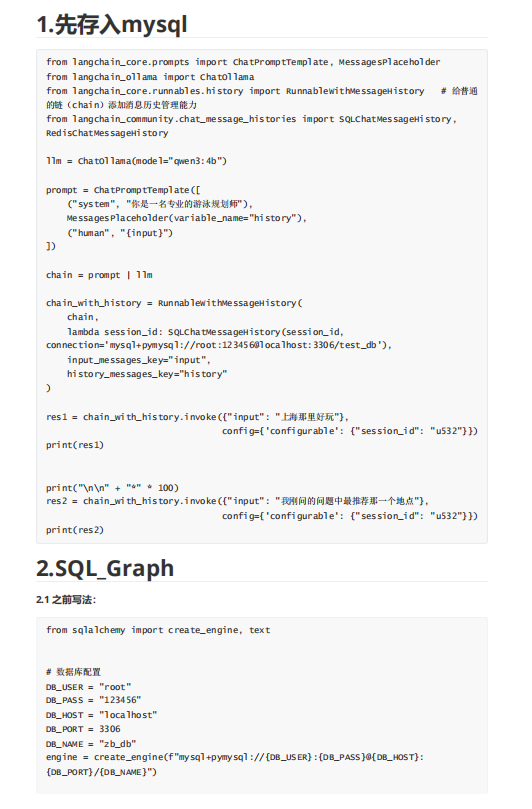
1.先存入mysql
from langchain_core.prompts import ChatPromptTemplate, MessagesPlaceholder
from langchain_ollama import ChatOllama
from langchain_core.runnables.history import RunnableWithMessageHistory # 給普通
的鏈(chain)添加消息歷史管理能力
from langchain_community.chat_message_histories import SQLChatMessageHistory,
RedisChatMessageHistory
llm = ChatOllama(model="qwen3:4b")
prompt = ChatPromptTemplate([
("system", "你是一名專業(yè)的游泳規(guī)劃師"),
MessagesPlaceholder(variable_name="history"),
("human", "{input}")
])
chain = prompt | llm
chain_with_history = RunnableWithMessageHistory(
chain,
lambda session_id: SQLChatMessageHistory(session_id,
connection='mysql+pymysql://root:123456@localhost:3306/test_db'),
input_messages_key="input",
history_messages_key="history"
)
res1 = chain_with_history.invoke({"input": "上海那里好玩"},
config={'configurable': {"session_id": "u532"}})
print(res1)
print("\n\n" + "*" * 100)
res2 = chain_with_history.invoke({"input": "我剛問的問題中最推薦那一個地點"},
config={'configurable': {"session_id": "u532"}})
print(res2)